Configure Click to Call Settings
You may want to configure your Click to Call Settings first. For detailed instructions, see our Click to Call Setup guide.
Locate Customer Profile
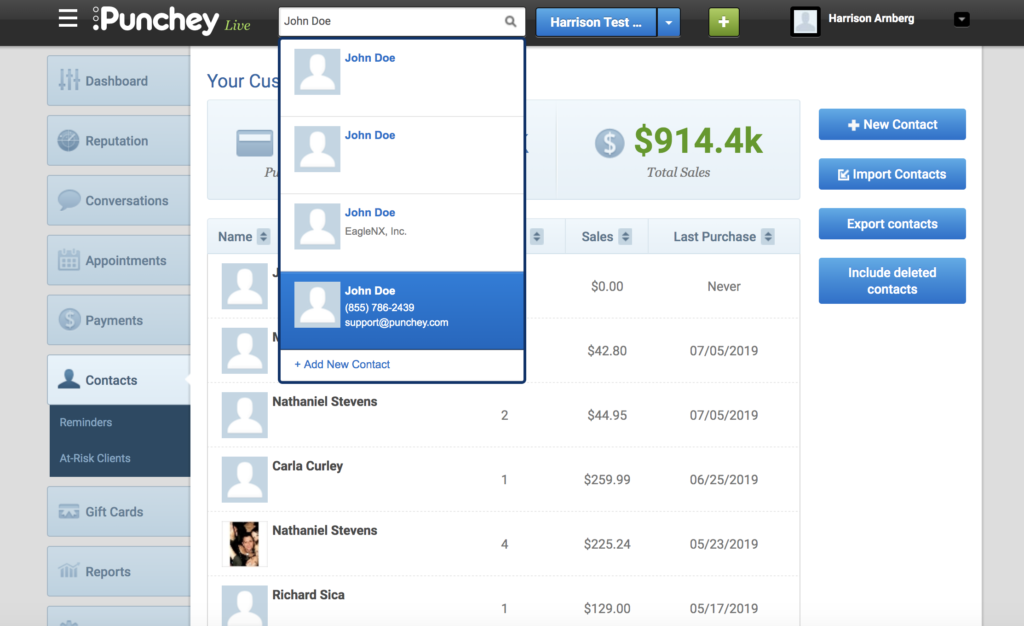
To send a message or call a contact, first locate the customer's profile in the dashboard.
Use Communication Widgets
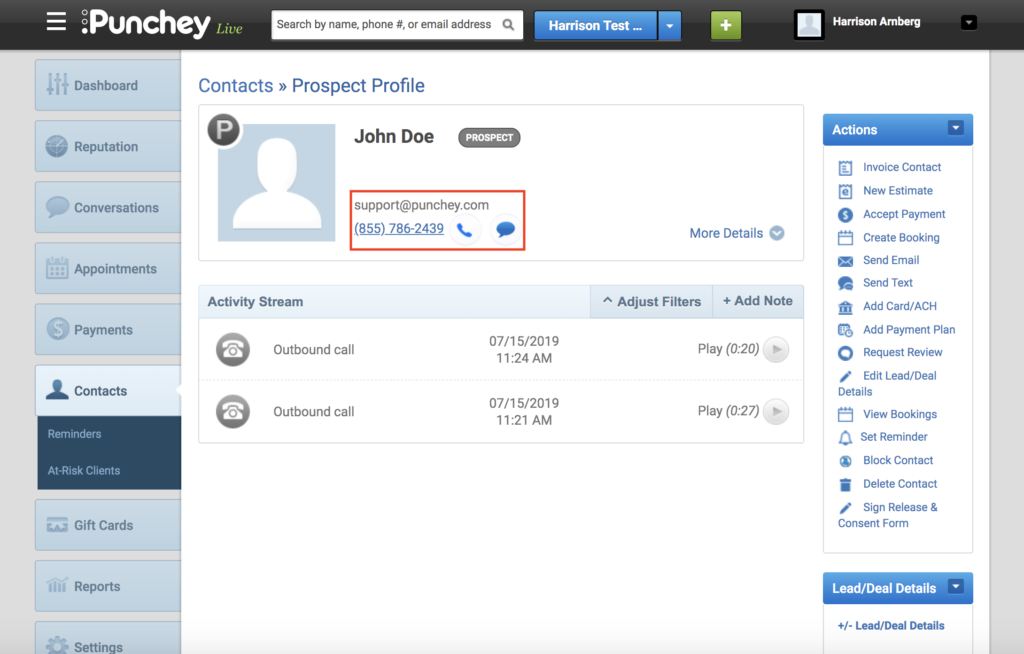
On the customer’s profile, you will see communication widgets alongside the contact information. Click the phone icon to call or the chat bubble to send a text message.
Want to learn more? Check out our YouTube Channel for helpful content and read more of our how-to guides!
Was this article helpful?
That’s Great!
Thank you for your feedback
Sorry! We couldn't be helpful
Thank you for your feedback
Feedback sent
We appreciate your effort and will try to fix the article