Overview
Missed a payment? Just curious about previous payments? Check here for all your payment history.
Billing History:
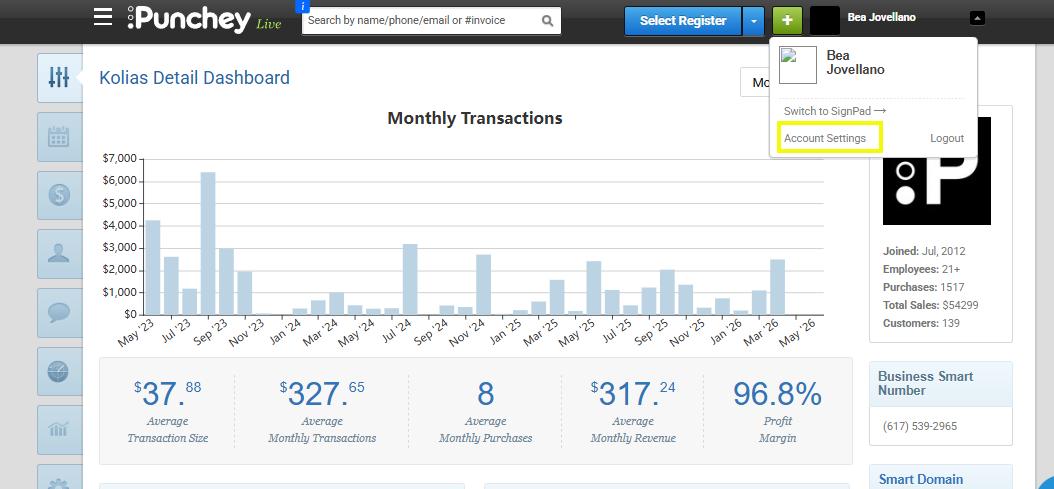
On the top right of your account header select the arrow to the right of your name to access account settings.
Select "Account Settings".
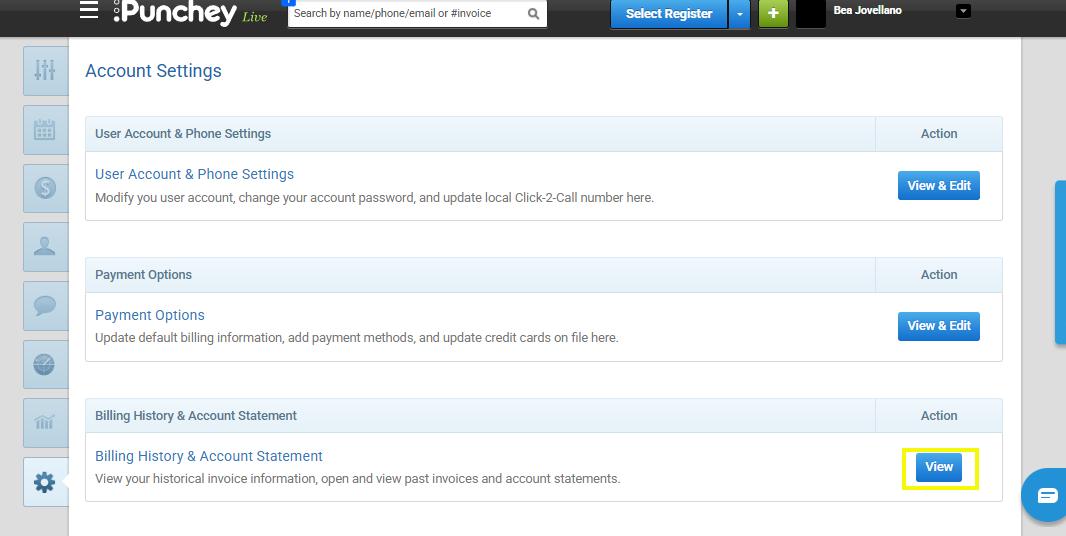
On this page you should see "Billing History & Account Statement", select "View".
Be sure to adjust the date range to see all listed invoices.
Want to learn more? Check out our YouTube Channel for helpful content and read more of our how-to guides!
Was this article helpful?
That’s Great!
Thank you for your feedback
Sorry! We couldn't be helpful
Thank you for your feedback
Feedback sent
We appreciate your effort and will try to fix the article